Local SEO Software

Every tool you need for local search visibility

Track where you rank on Google Maps and Search, how often ChatGPT and Gemini recommend you, and what your Google profile and reviews are doing. Then turn what you find into finished work and reports, for one business or hundreds.

Google surfaces, from Maps to AI Mode
5Google surfaces, from Maps to AI Mode
AI assistants: ChatGPT and Gemini
2AI assistants: ChatGPT and Gemini
Review sites watched for every location
3Review sites watched for every location
Points in a single 21×21 map scan
441Points in a single 21×21 map scan

Tracked on

  • Google SearchYour position on page one
  • Map PackThe local three on Search
  • Google MapsGrid rankings across your area
  • AI OverviewsIf Google links to you
  • AI ModeWhether it recommends you
  • ChatGPTHow often it recommends you
  • GeminiHow often it recommends you
  • Google ReviewsRatings, replies, sentiment
  • TrustpilotRatings and sentiment
  • TripadvisorRatings and sentiment

01Rankings

See where you rank from every street you serve

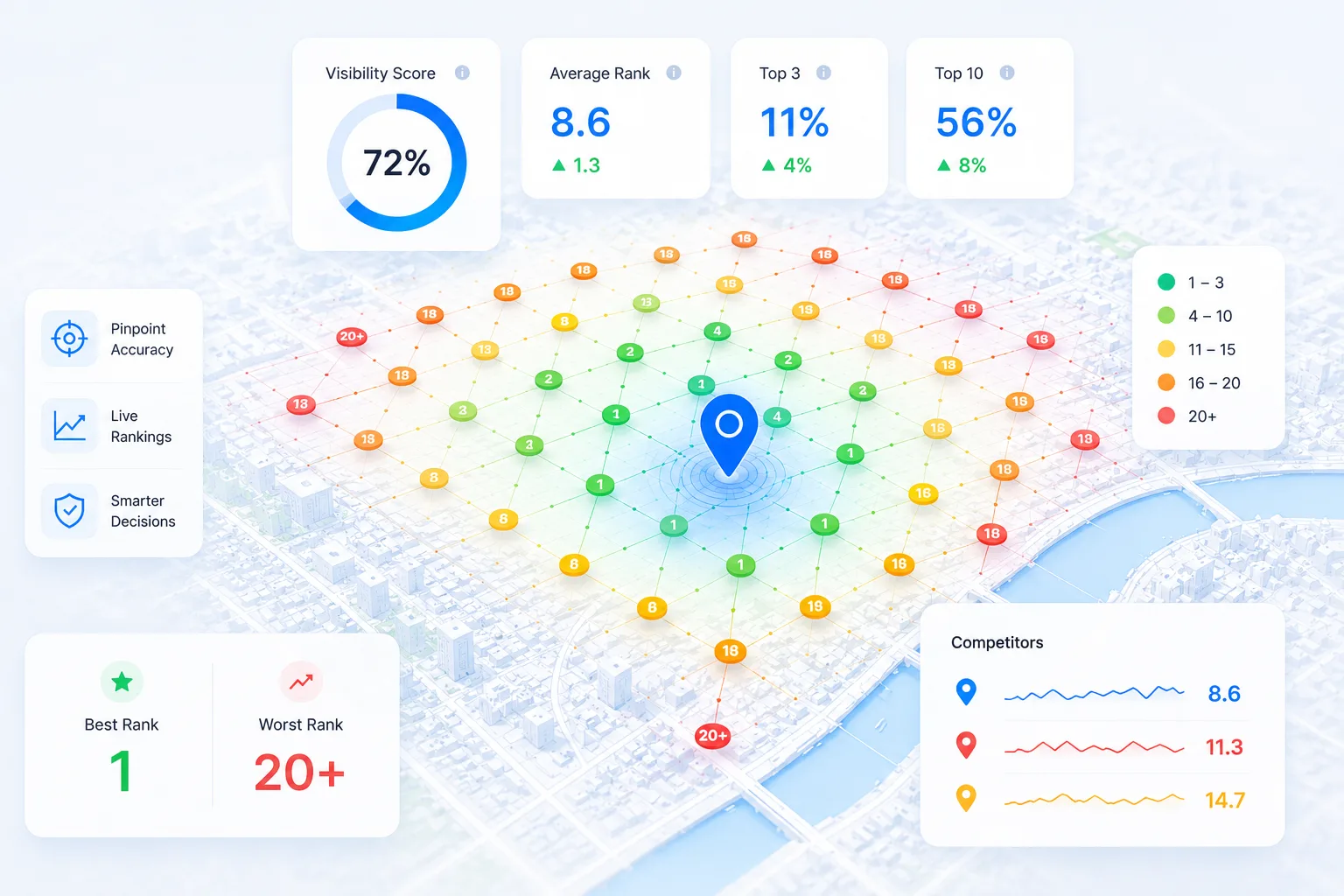
A single rank checked from one spot hides most of the story. Geo-grid scans show your Google Maps position point by point across the area you serve, and Google Search Visibility follows each keyword through web results, the Map Pack, AI Overviews and AI Mode.

Also in Rankings

Keywords

One keyword library for each location. Bring in the searches Google already sends you from Search Console, add your own, then choose which to track for rank, which to put into map scans and which to turn into AI prompts.

  • Import from Google Search Console
  • Organised by location
  • Track, scan or ask AI from one list

Map Insights

Map Insights reads your geo-grid scans as territory: the ground you hold, the ground you lose and who takes it. It lines you up against the businesses beating you on categories, reviews and listing details, so every gap comes with a likely reason.

  • Territory you hold and lose
  • Categories and reviews of the leaders
  • Listing checks against the businesses ahead

02AI visibility

Know when AI recommends you, and who it names instead

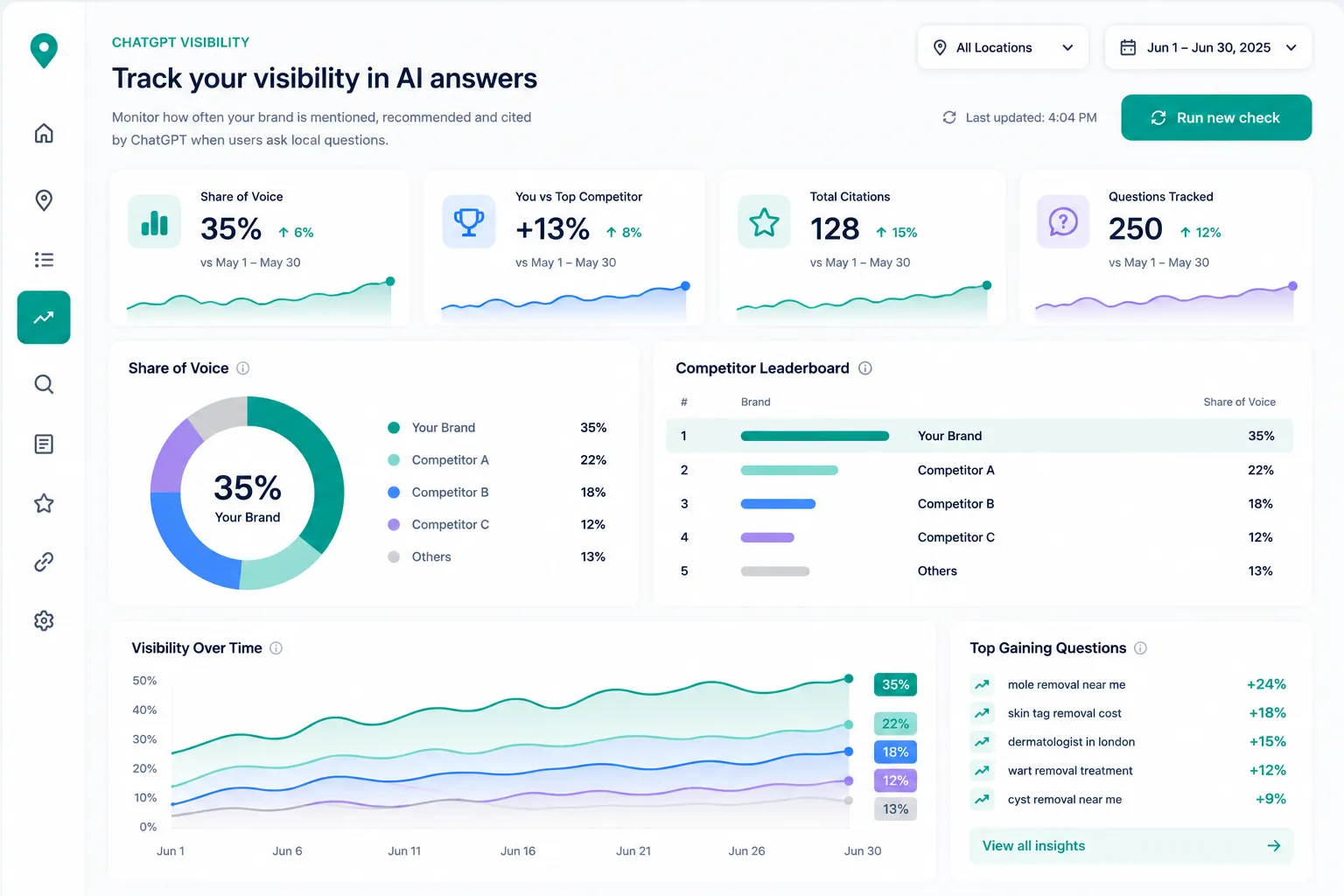
More customers ask an assistant who to call before they search. SearchOps puts the questions your customers ask to ChatGPT and Gemini on a schedule, measures how often you are recommended and who is named instead, and shows the sources each answer leans on.

Also in AI visibility

Prompt Research

Prompt Research builds your list of AI questions from evidence rather than guesswork: the keywords you already track and the words customers use in calls, enquiry forms and reviews, turned into the questions people ask before they choose a business.

  • Built from your keywords and customer wording
  • Questions grouped by service
  • Add the strongest to AI visibility

AI Sources

AI Sources lists the websites that AI answers cite when they talk about your market, grouped by the kind of site they are. It shows which directories, publications and review sites shape the answer, and where your business is missing from them.

  • Sites cited across AI answers
  • Grouped by type of site
  • Where you are missing

03Google Business Profile

Keep every Google profile in shape, and every review in view

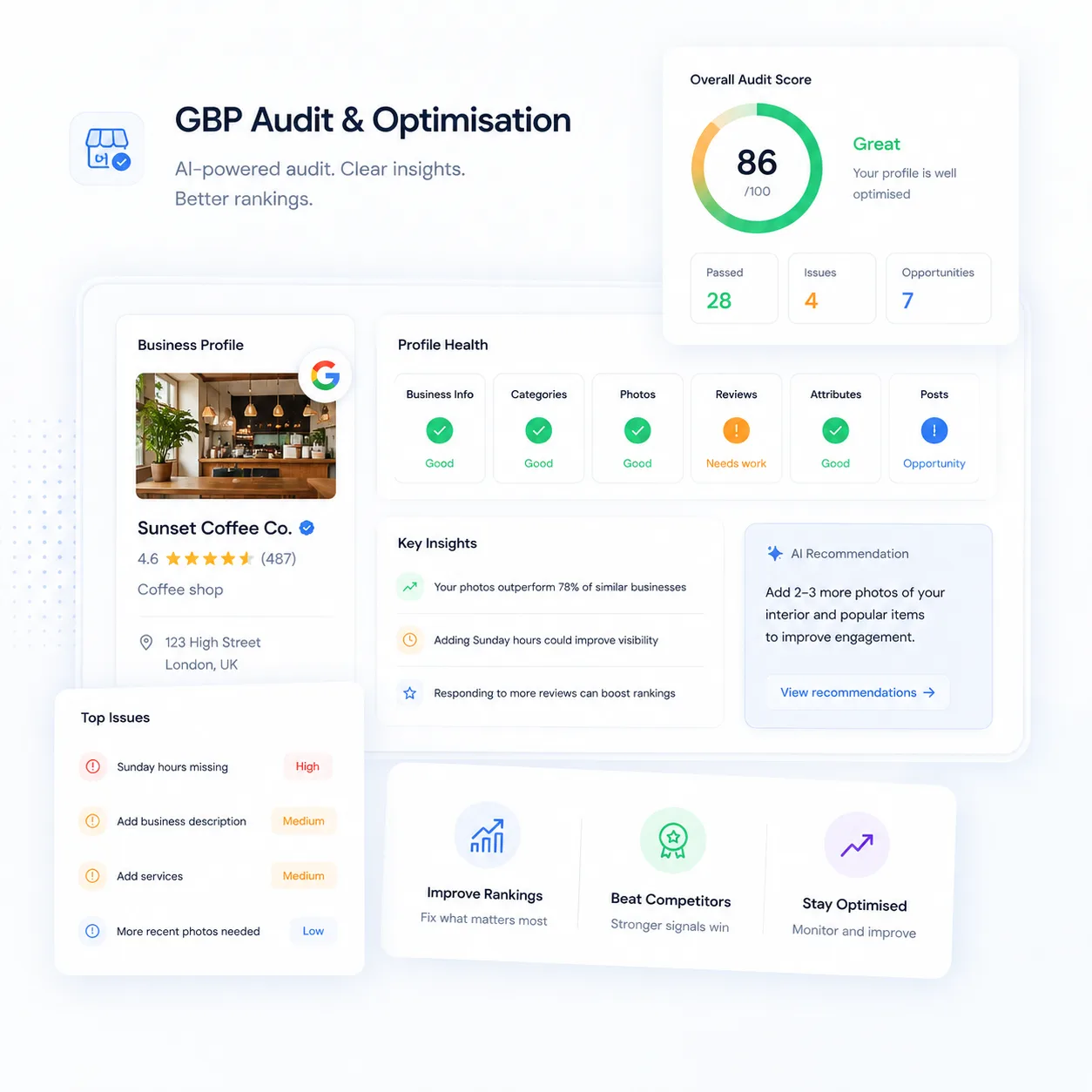
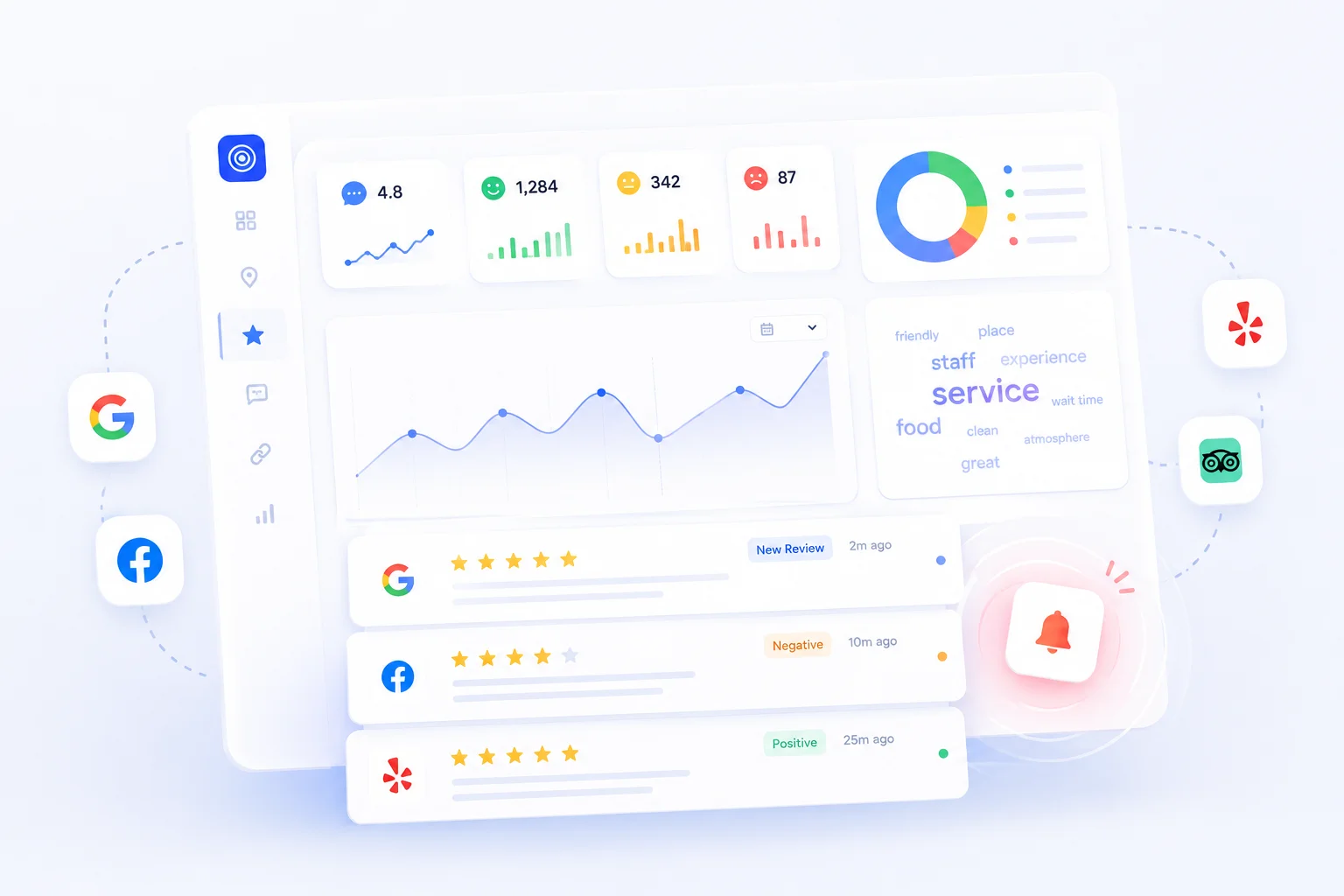
Your Google Business Profile is often the first thing a customer sees. Audit it against the signals that matter, keep up with reviews across every location, and see what each change you make does for calls and clicks.

Also in Google Business Profile

Profile performance

Performance data from Google for every profile you connect: calls, website clicks and direction requests, search and Maps impressions, and the searches that showed your listing. Google reports a few days behind, and every chart says so.

  • Calls, website clicks and direction requests
  • Search and Maps impressions
  • The searches that showed your listing

Changes and results

Every change to a profile on one timeline, with the calls and clicks before and after it, so you can see which changes helped and which made no difference.

  • Profile changes on one timeline
  • Results before and after each change
  • See which changes helped

04Insights & reporting

Turn findings into finished work, and show what changed

Bring the evidence together. See the searches Google already sends you and what those visits turn into, keep every rival in one place, then turn the findings into tasks and reports that show the work beside the results.

Search ConsoleGoogle Analytics

GSC and GA4 Insights

Connect Google Search Console, and Google Analytics if you use it, to see the searches that already bring people to your site. It shows what moved, which service searches sit just off page one, where visitors come from, including AI assistants, and which pages turn visits into enquiries.

How it works
  1. 01

    Service searches close to page one, ready to add to Keywords

  2. 02

    Visits by channel, including AI assistants

  3. 03

    Page performance with conversions you name

  4. 04

    What moved, including searches losing clicks at the same rank

Also in Insights & reporting

Competitors

The businesses you meet in map scans, search results and AI answers, merged into one list for each location, with where each one beats you and what has changed on their profiles.

  • Rivals merged across scans, search and AI answers
  • Where each one outranks you
  • Changes to their profiles

Explore

Build your own view of any metric across locations, keywords and dates, then pin it to a board you can come back to.

  • Pivot tables and charts
  • Filter by location, keyword and date
  • Pin views to your board

Schedules

Set map scans and rank checks to run daily, weekly or monthly, and AI visibility checks weekly or monthly, and see everything that is due in one place.

  • Daily, weekly, every two weeks or monthly
  • Scans, rank checks and AI checks
  • Everything due, in one view

05Agent & API

Ask in plain words, or put your data to work in your own tools

Ask the SearchOps Assistant about any account in plain words and approve the next steps it prepares. Take your data into your own dashboards through the API, let an AI assistant query it through the MCP server, and read any results page or AI answer with SearchOps Lens for Chrome.

How it fits together

One loop, from ranking to results

Each part feeds the next, so the evidence that finds a problem is the same evidence that shows you fixed it.

01

Track

Map scans, rank checks and AI visibility checks run on your schedule, for every location.

02

Understand

Map Insights, Competitors, AI Sources and GSC and GA4 Insights show what moved and why.

03

Act

Findings from every tool become tasks on one board, and the agent prepares next steps for you to approve.

04

Prove

Reports put the work you finished beside the rankings and results that changed.

Start tracking your real rankings today

See where you actually rank on Google Maps, not where Google tells you. Pick the plan that fits and start tracking from day one.